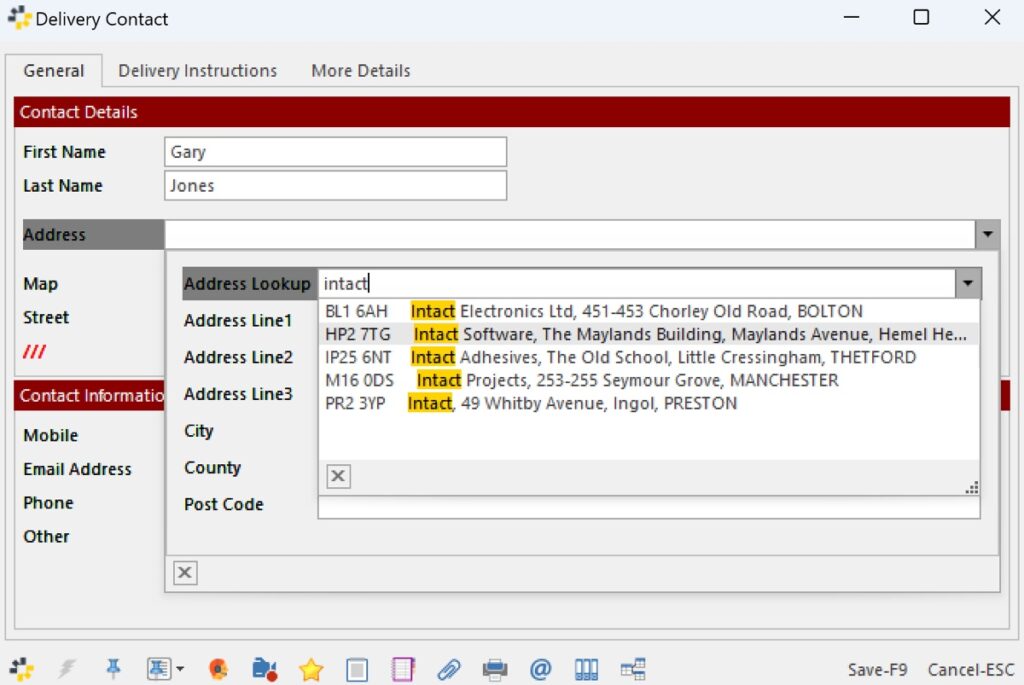
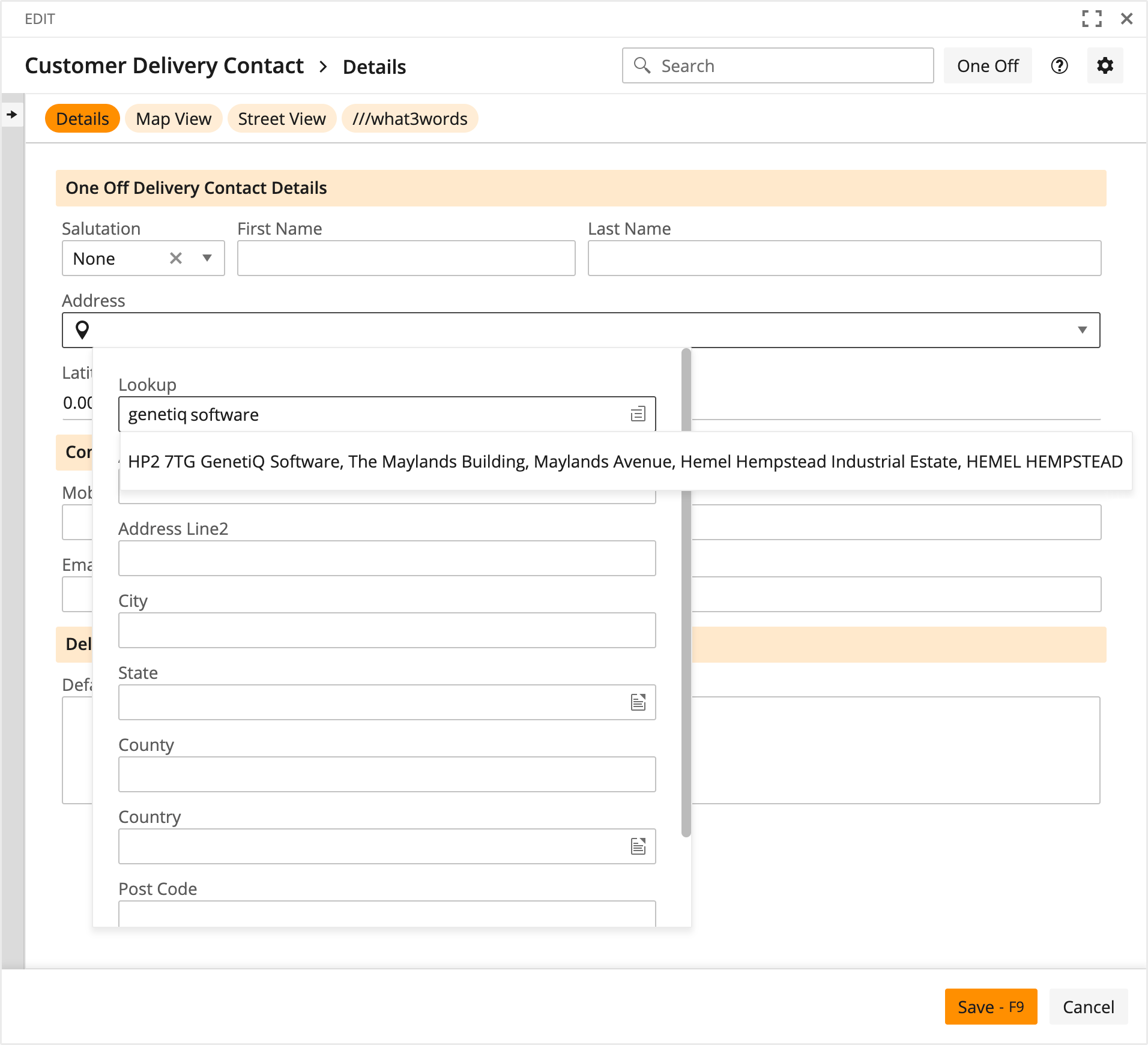
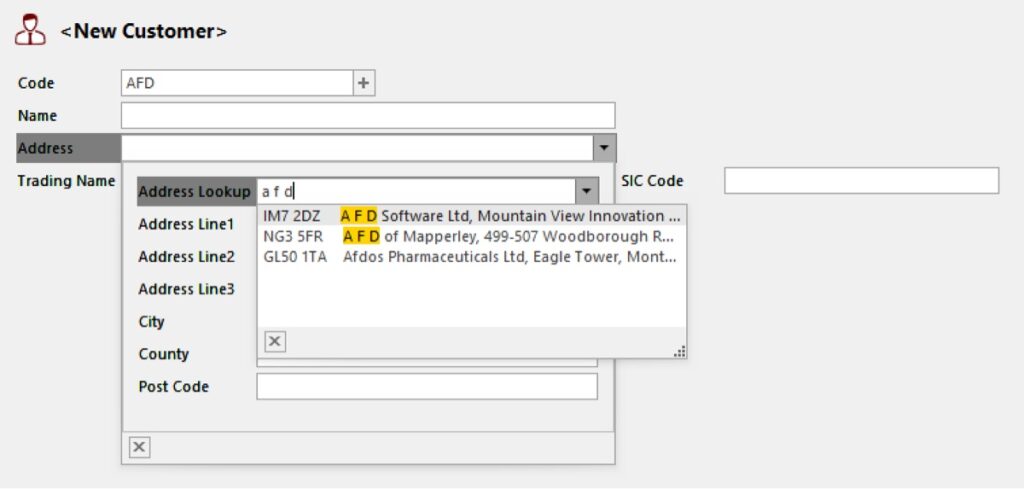
You can now include an Address Lookup field wherever you add an Address in iQ.
This can take a number of address fragments to help locate an address. In this example we’re searching by company name.
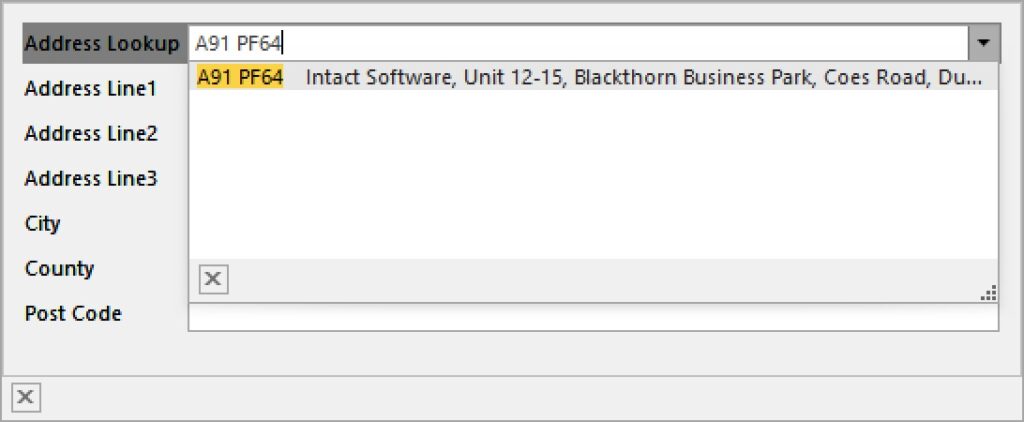
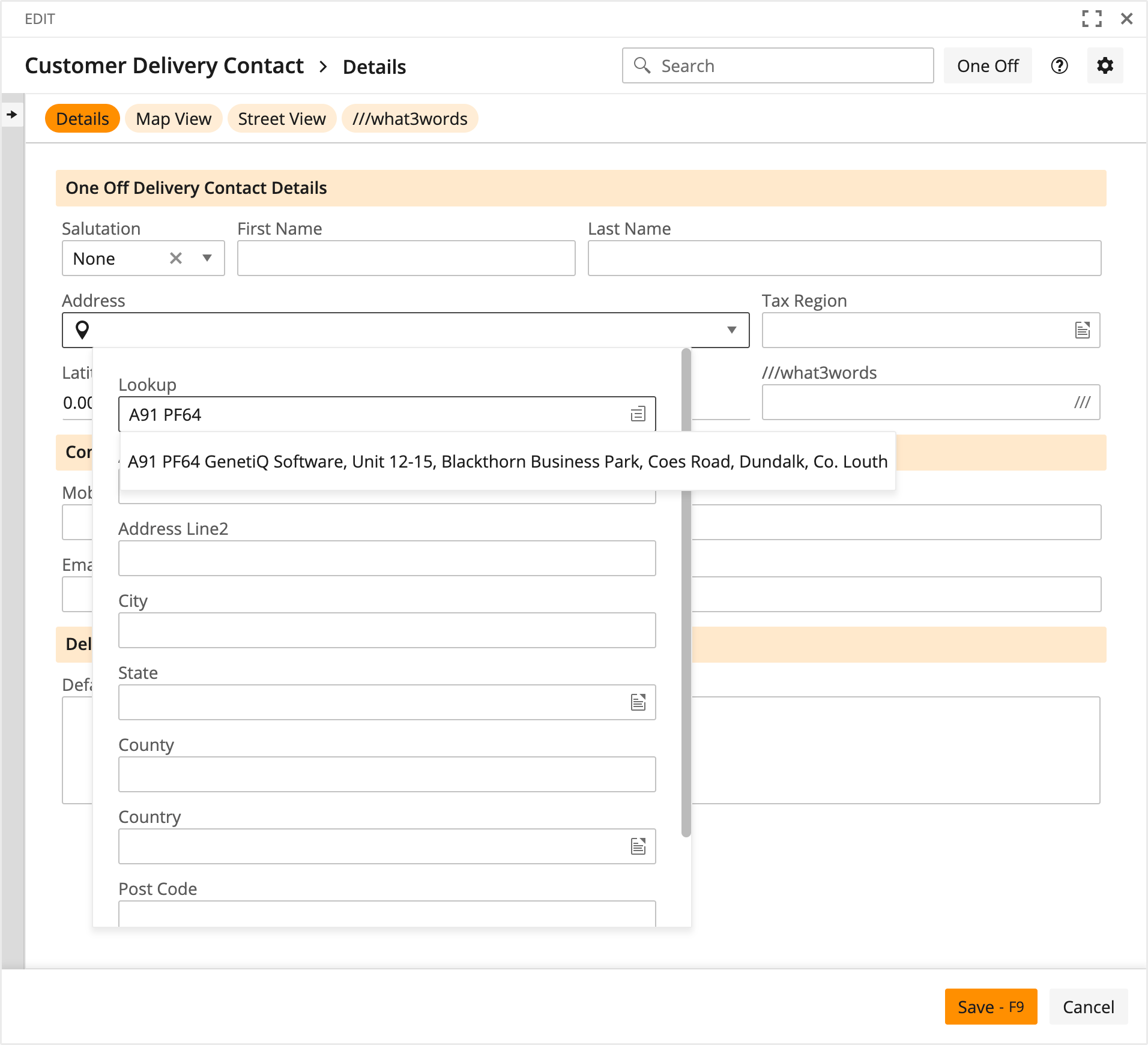
You can of course use a postcode.
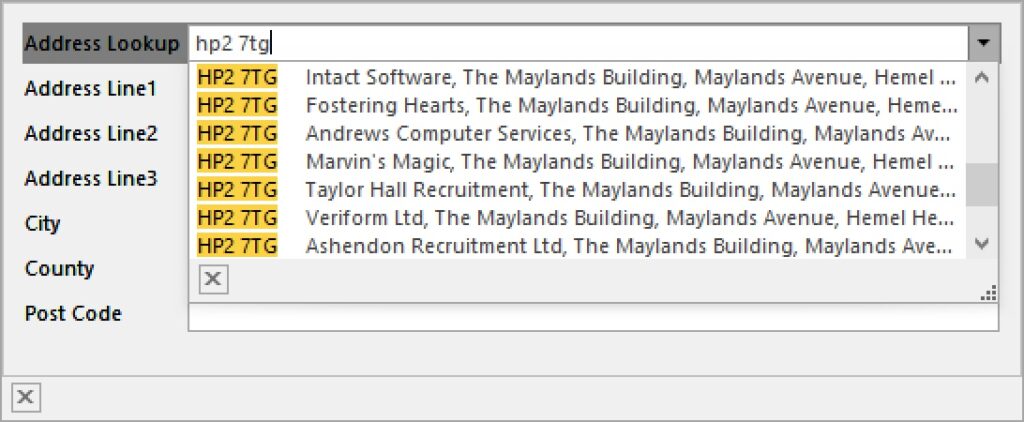
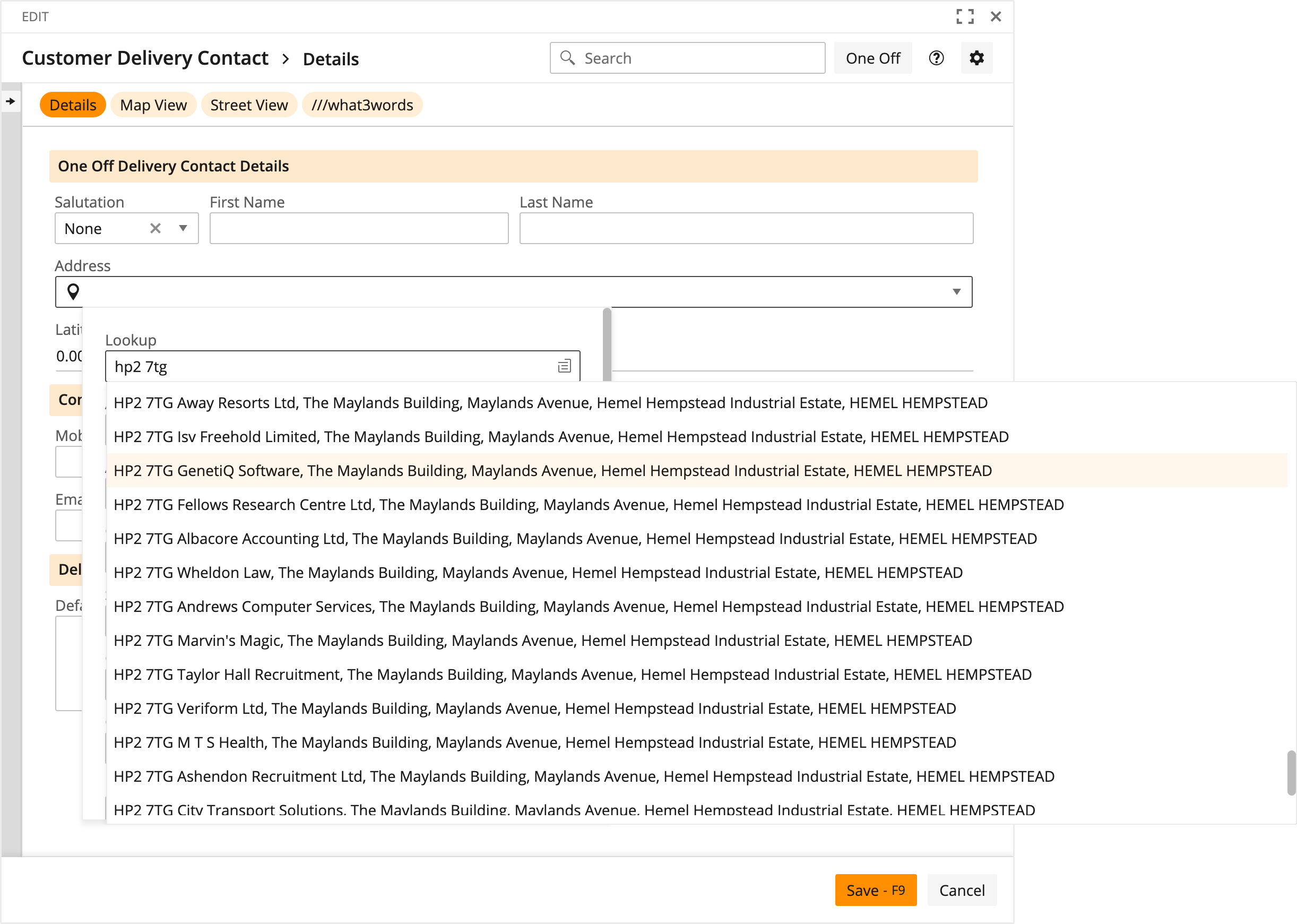
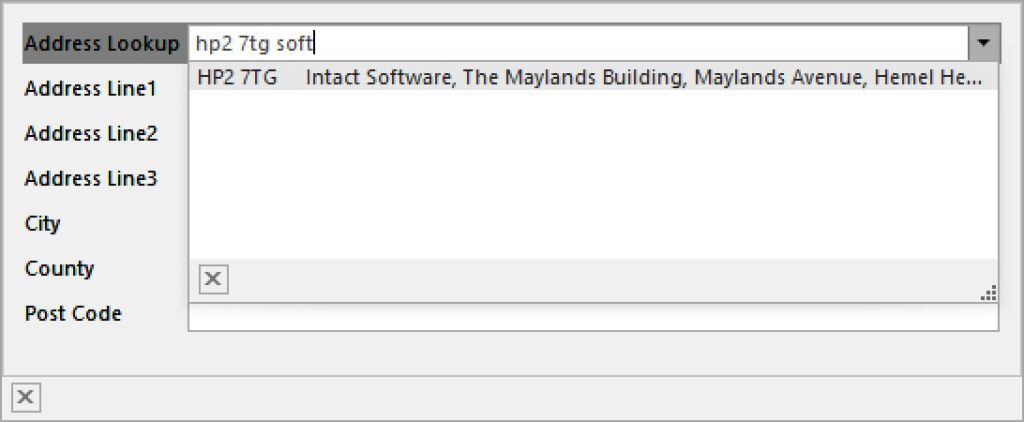
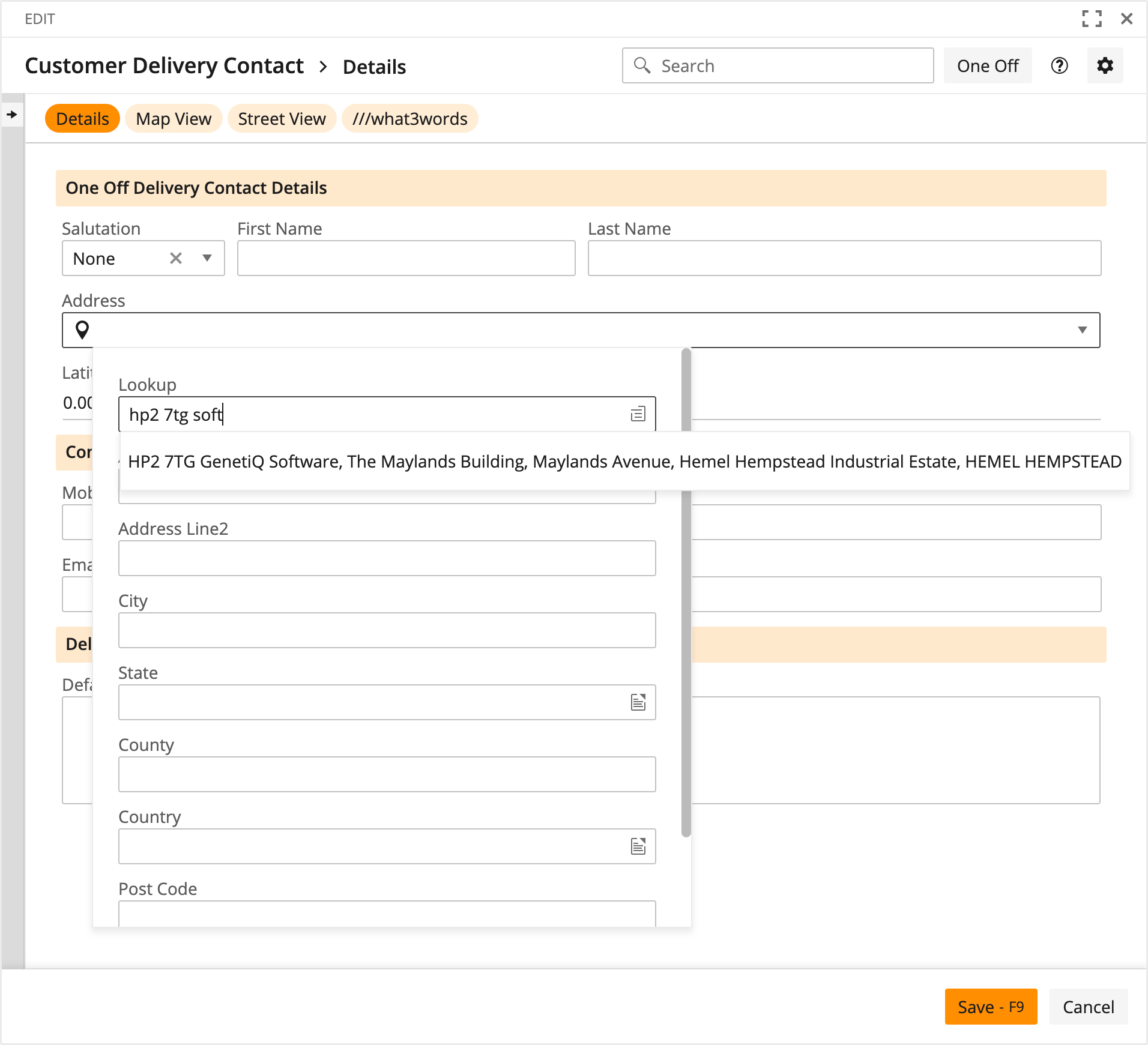
And mix that with additional elements.
We have full support for Eircodes in Ireland too.

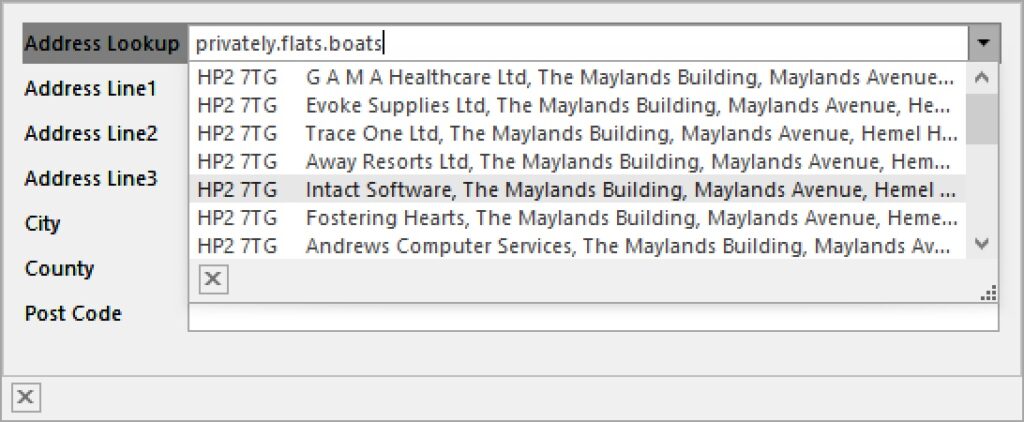
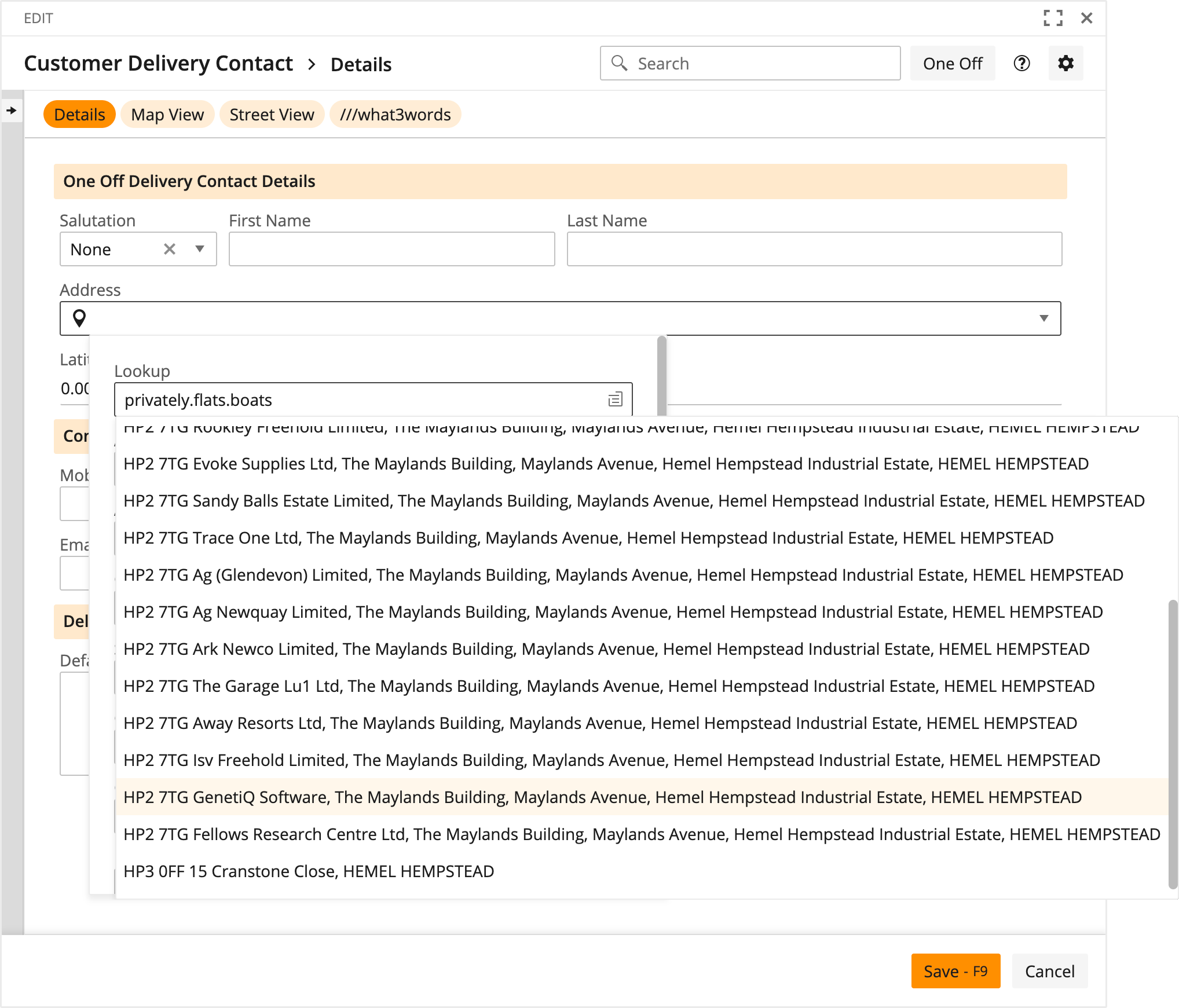
Your customer may choose to give you a what3words address for a precise location. You can see that we also retrieve and store the latitude and longitude of the address.
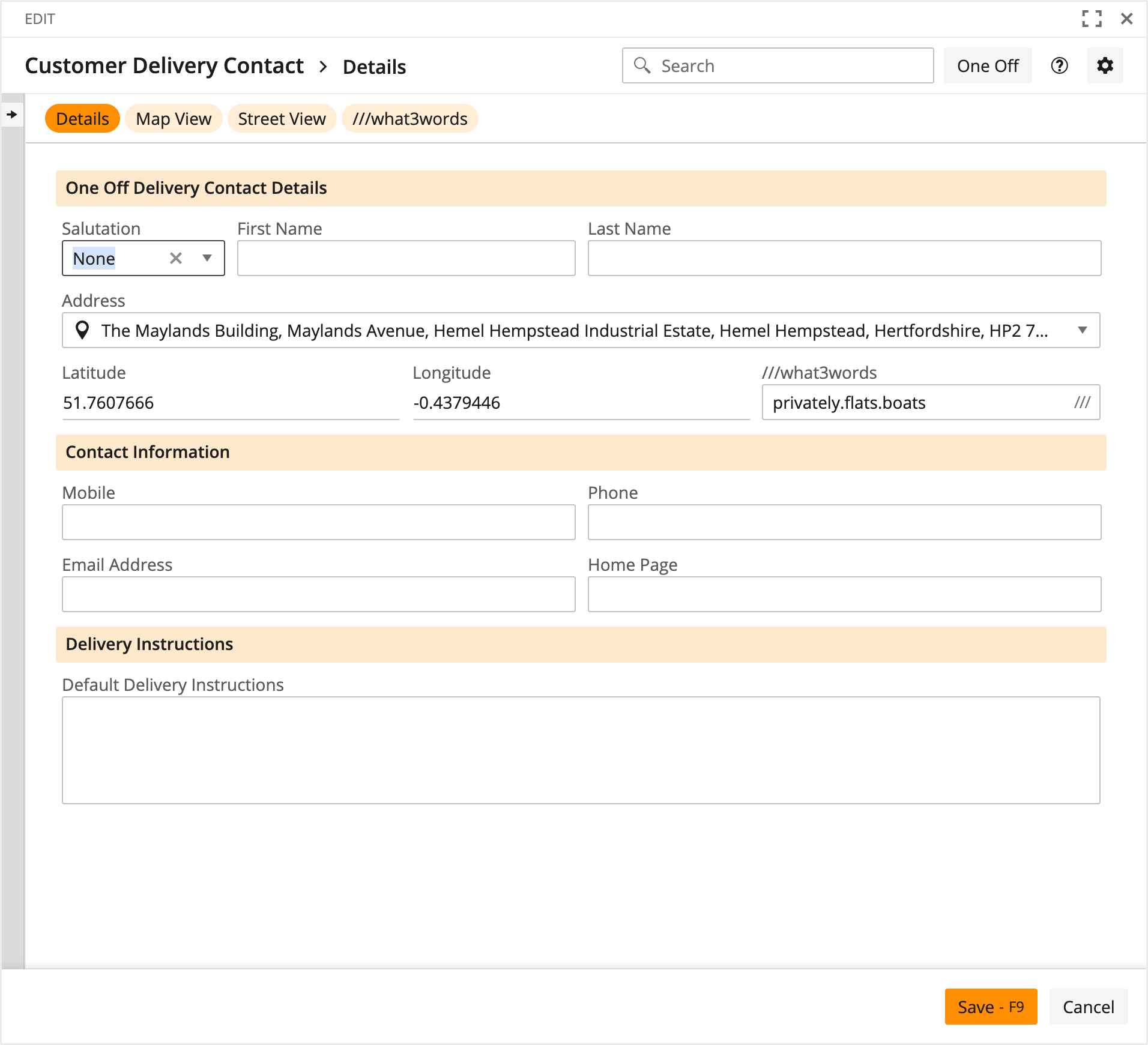
Convenient URLs have been added to Address objects to allow you to click through to or embed Google Maps or Google Street View.
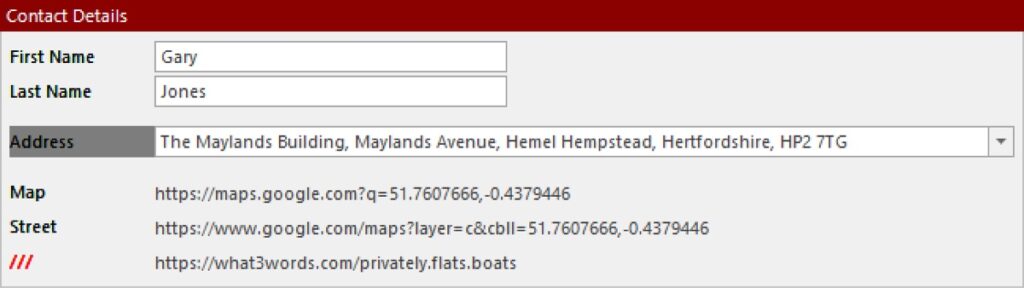
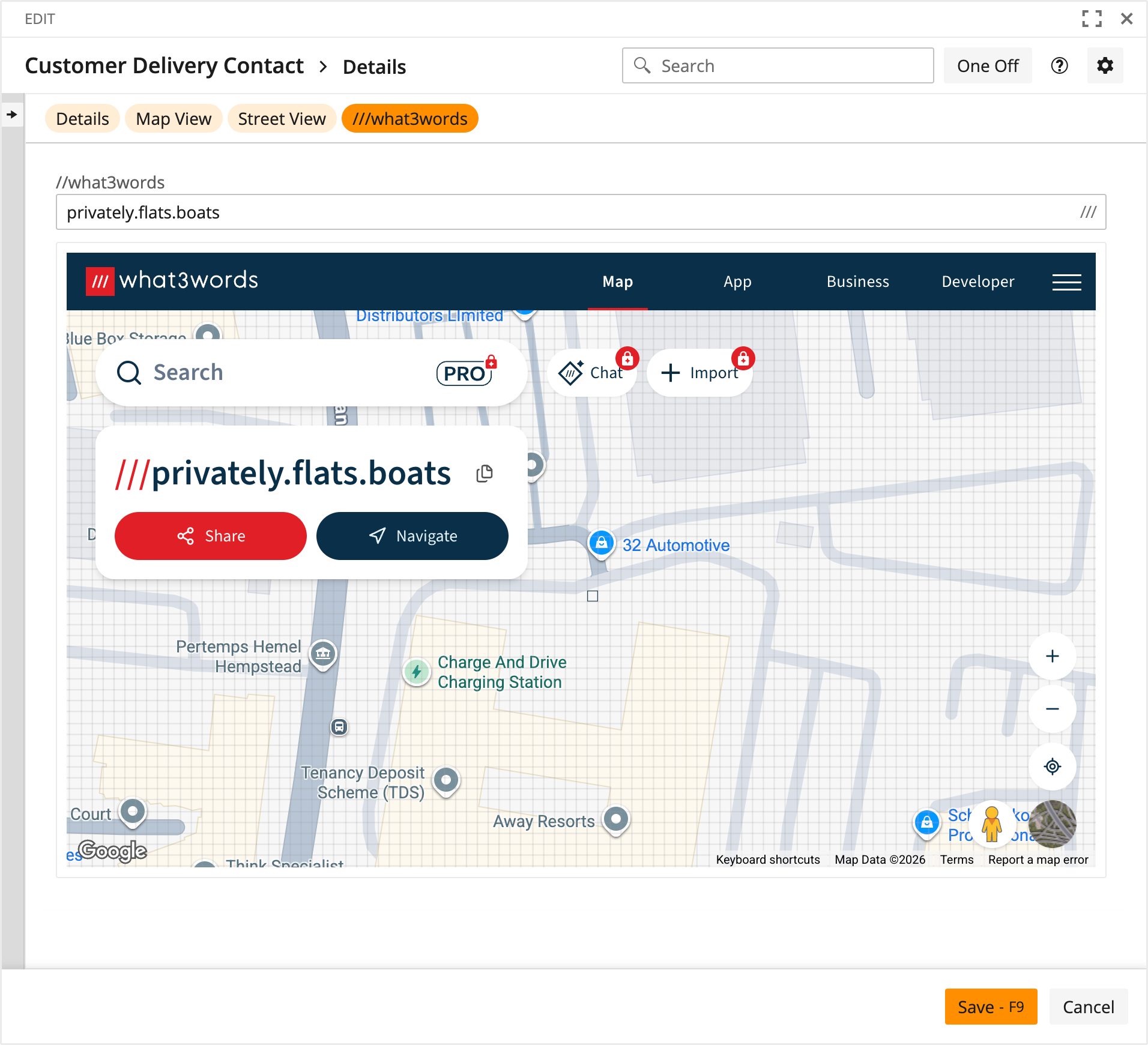
In order to assist your delivery drivers in finding the exact delivery point and making the appropriate preparations, they can scan a QR Code like this one to open Google Maps or Google Street View on their device.

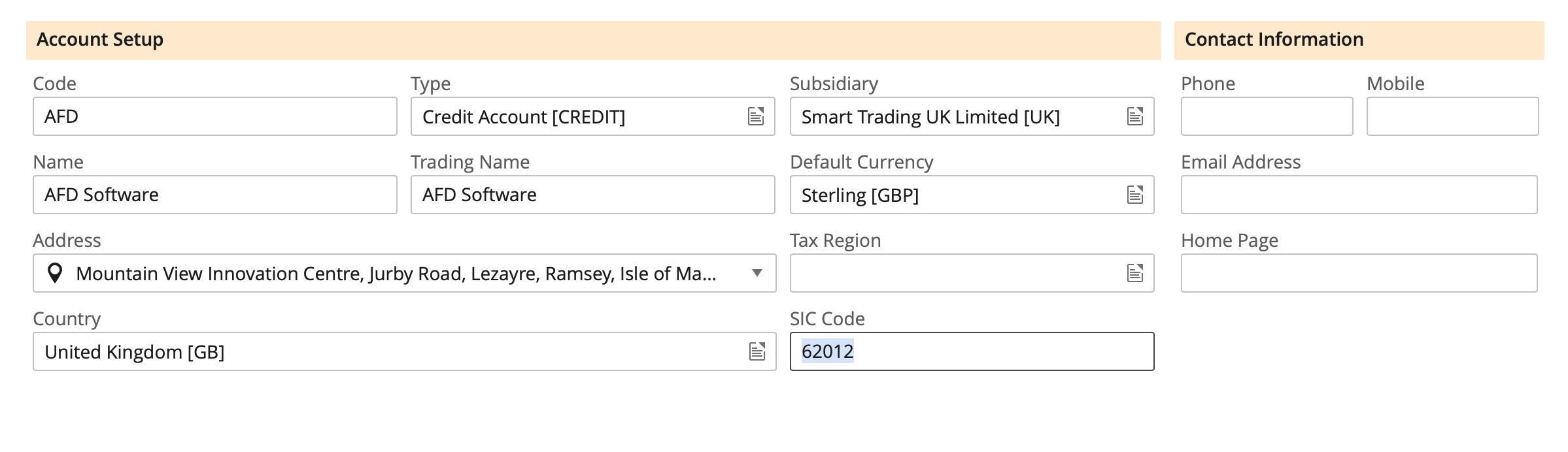
AFD can return rich information about a business from an address. If you enter an address in iQ then you can map any of these Business Data fields to any standard or custom property in iQ.
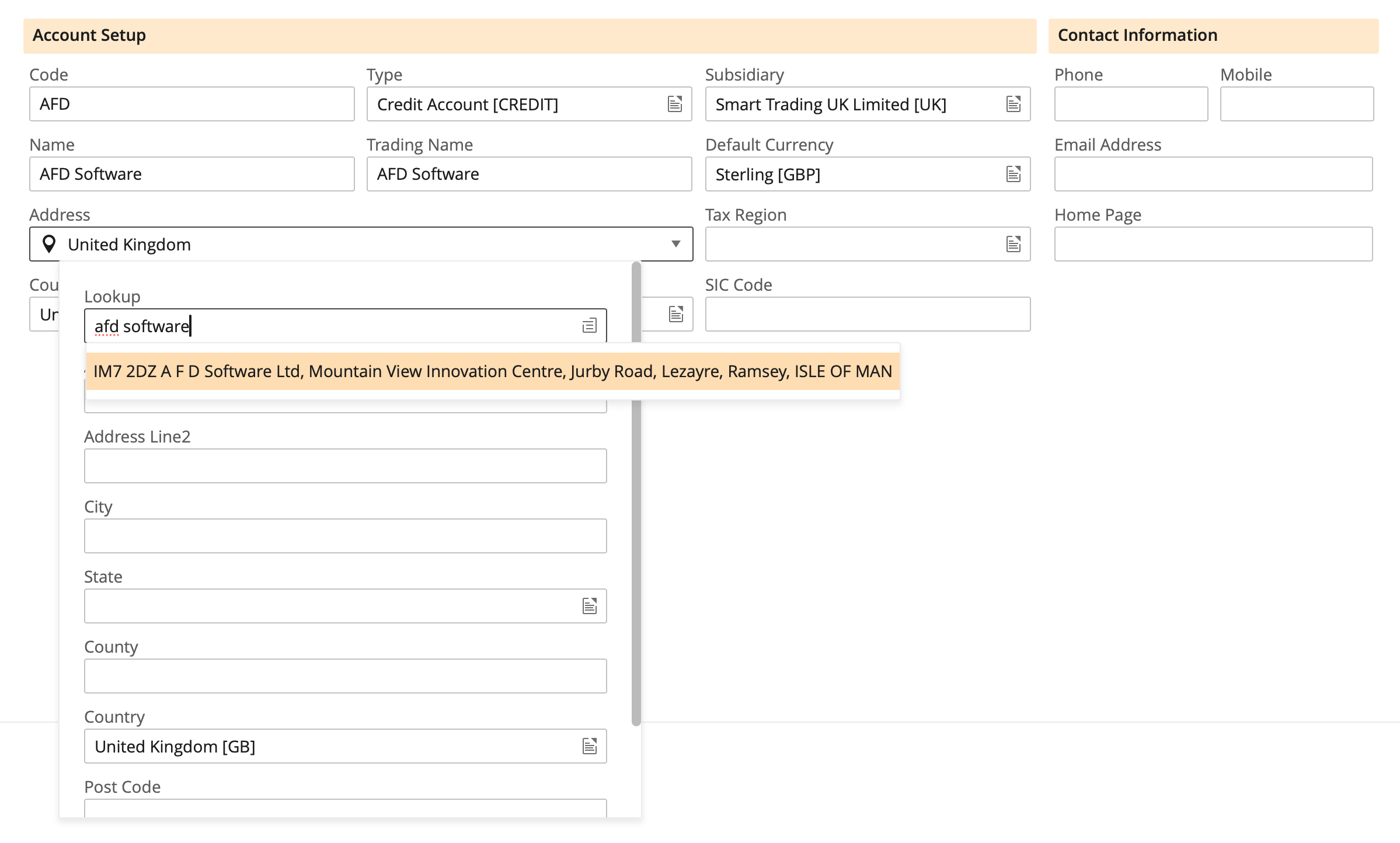
These will automatically get filled as you select the address.
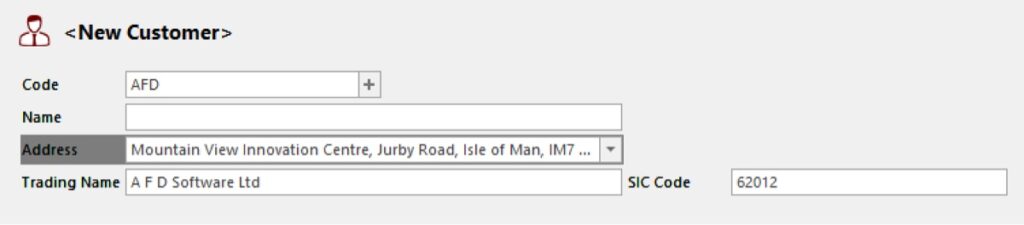
You can configure iQ to validate phone numbers on any specific property of any specific object.
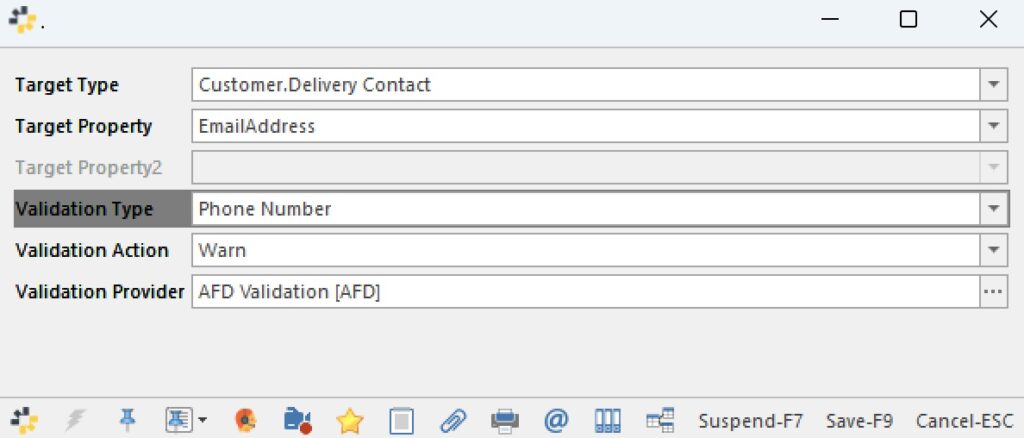
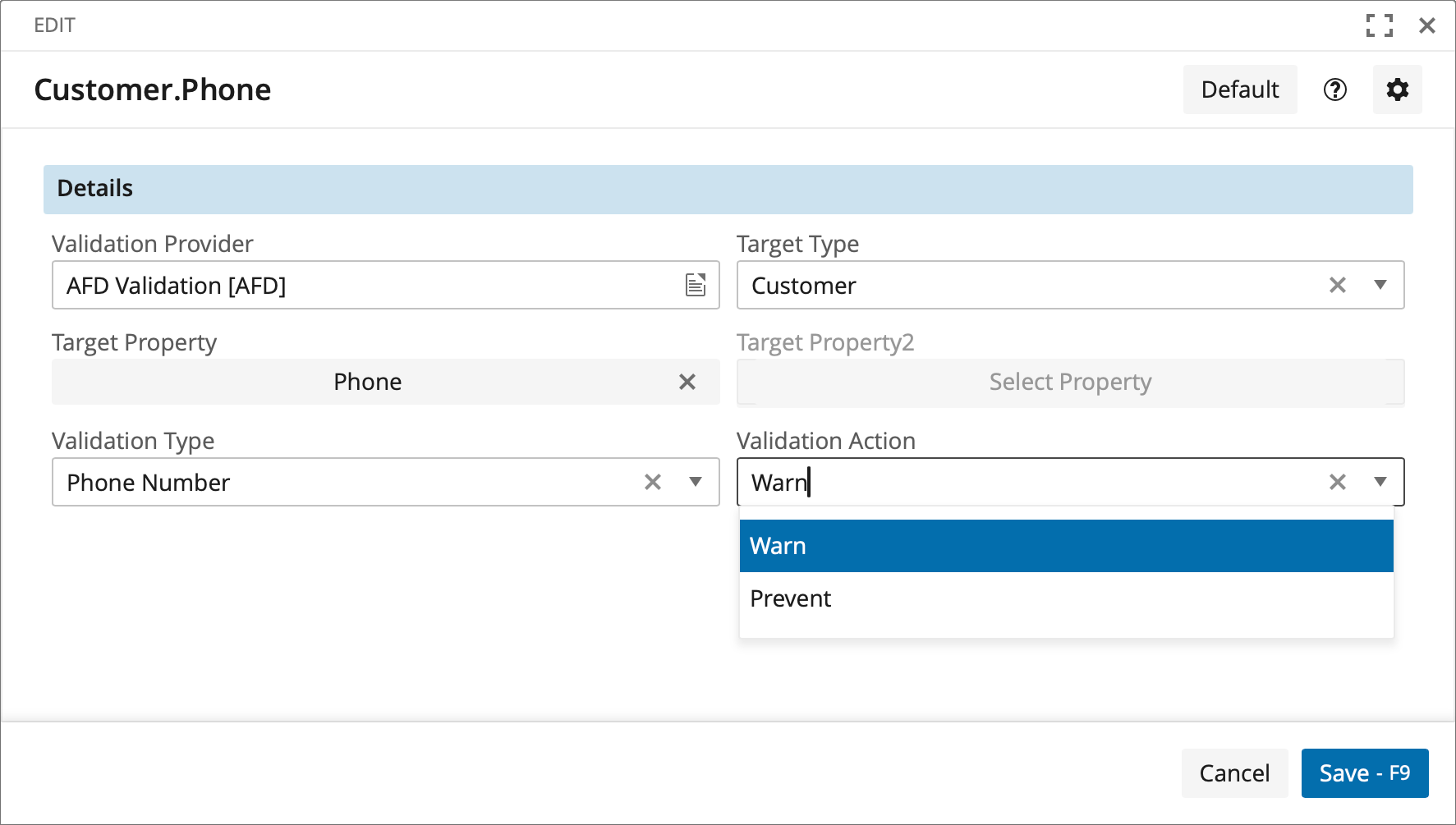
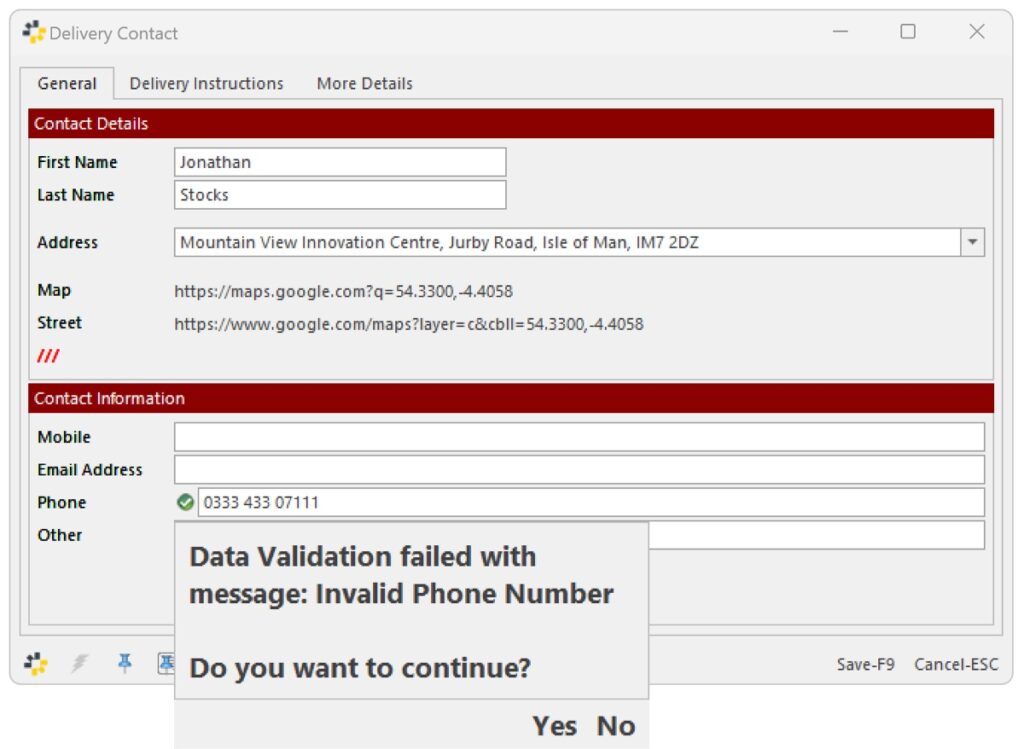
In this case, we are showing a warning when an invalid phone number is entered.
Where possible, this function is actually validating that the phone number exists and not just that it’s in the right format.
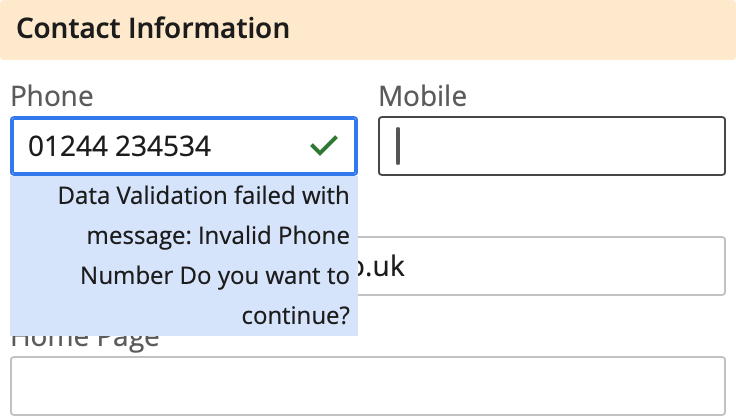
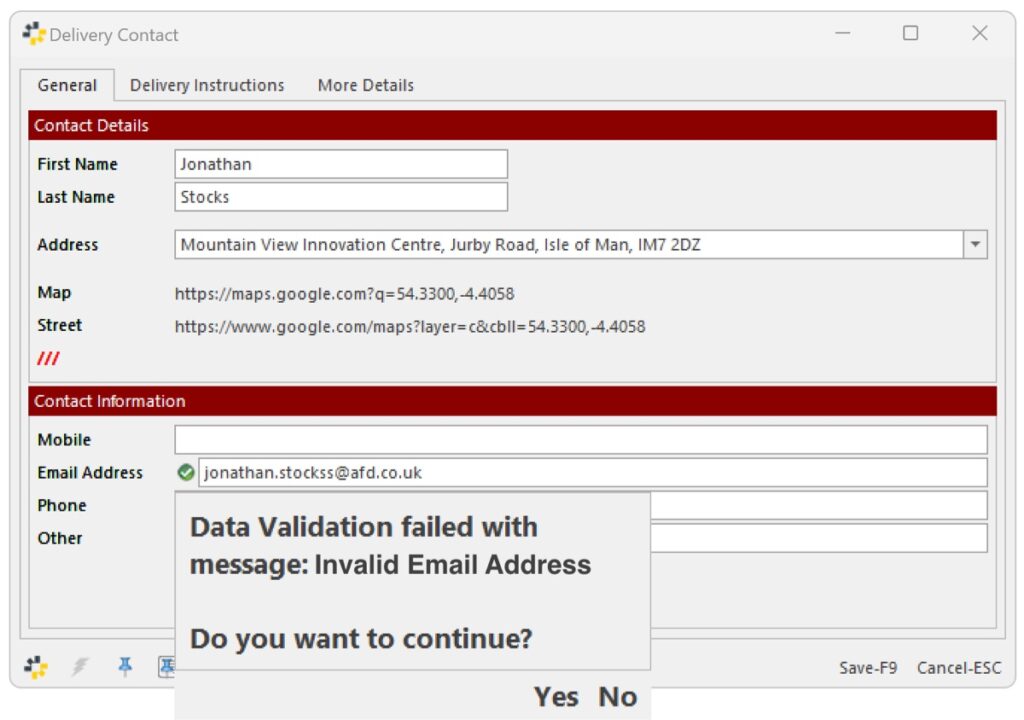
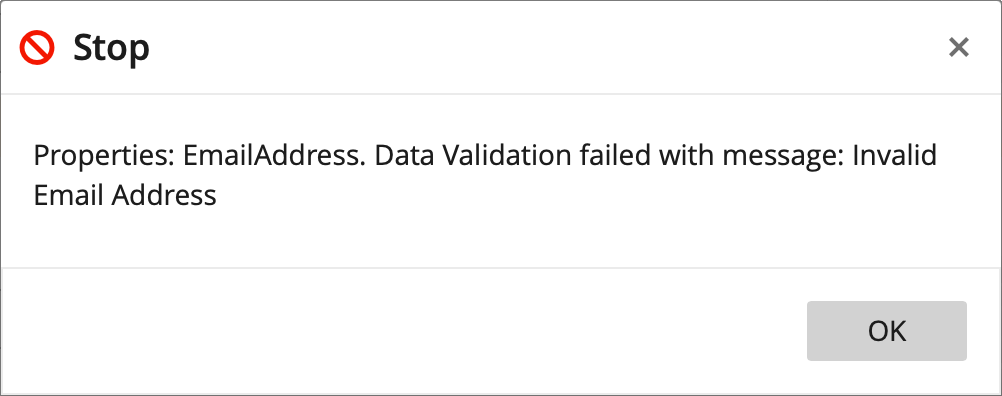
You can also use this for email address validation.
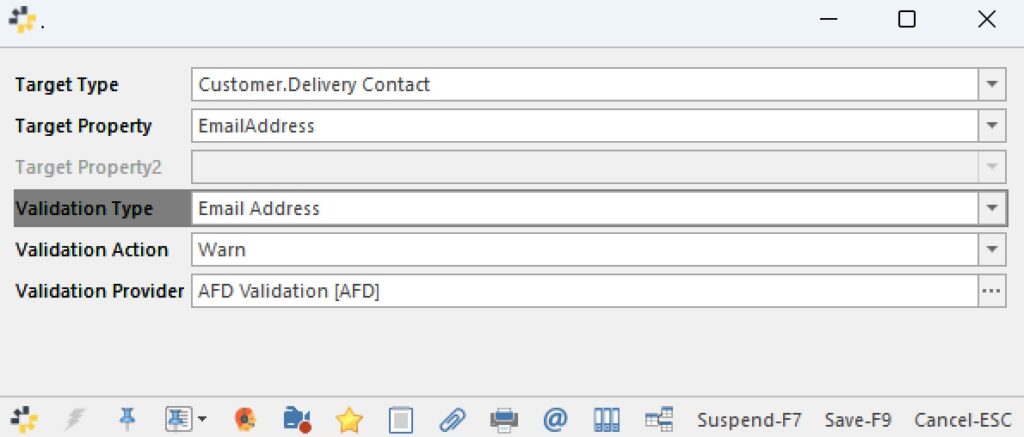
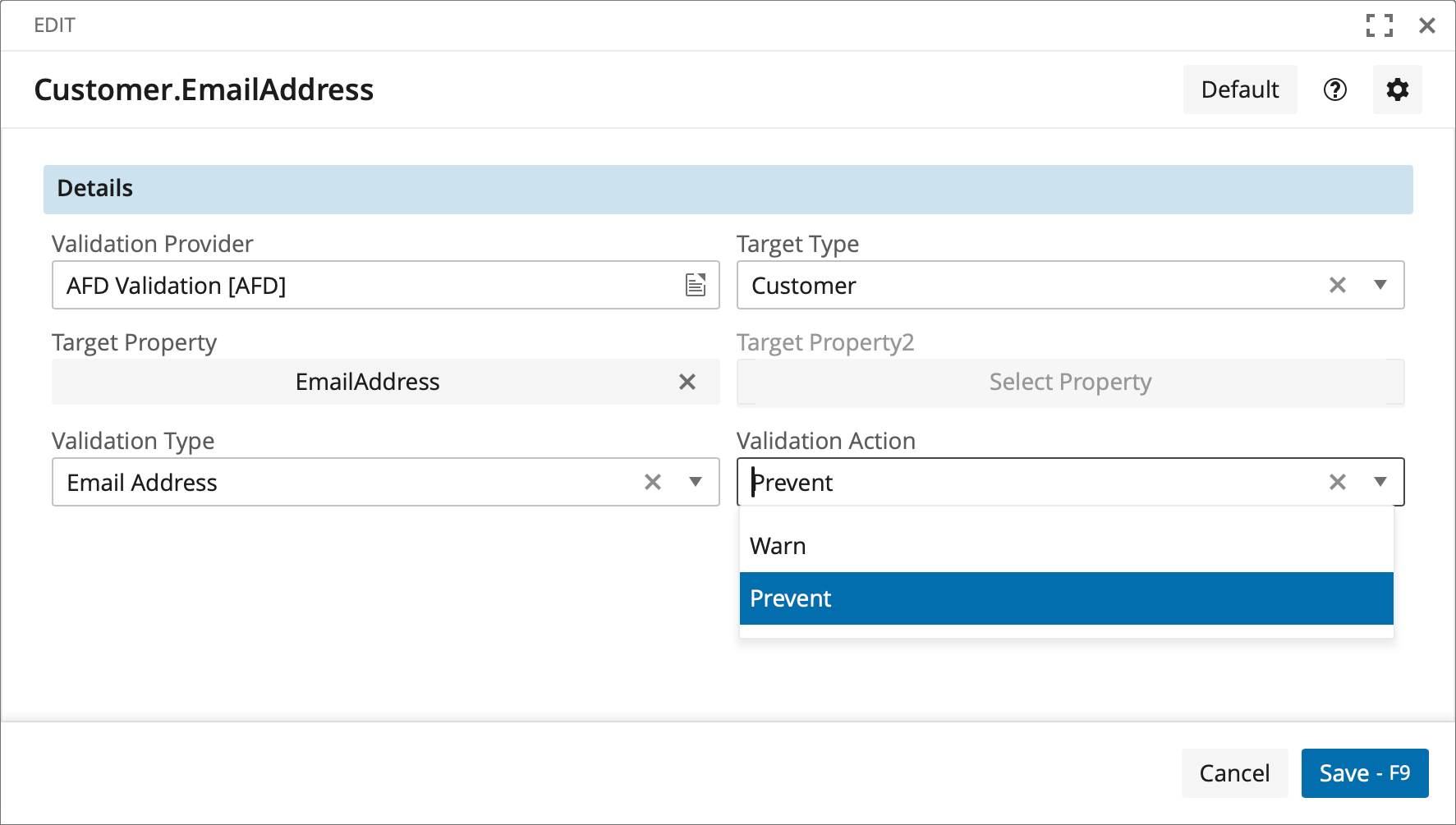
You could show a warning or stop the user when an invalid email address is entered.
We support bank account validation. You can see here that we have to choose two properties that are validated together.
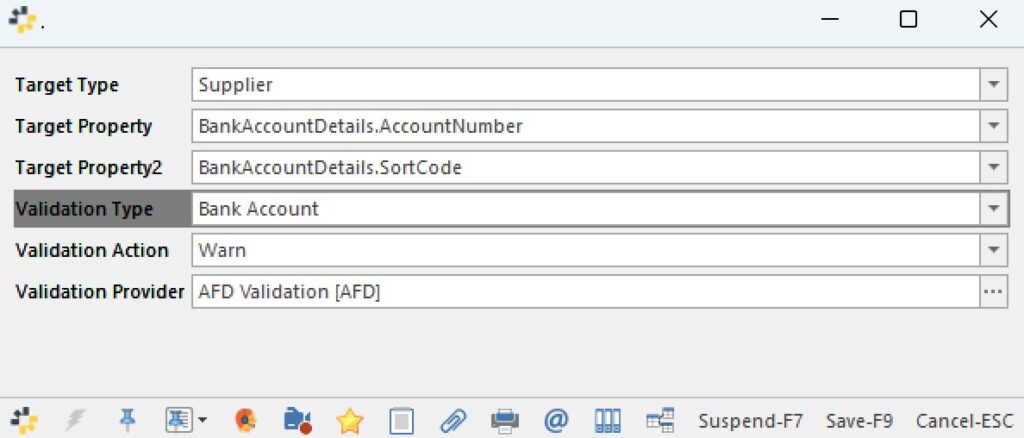
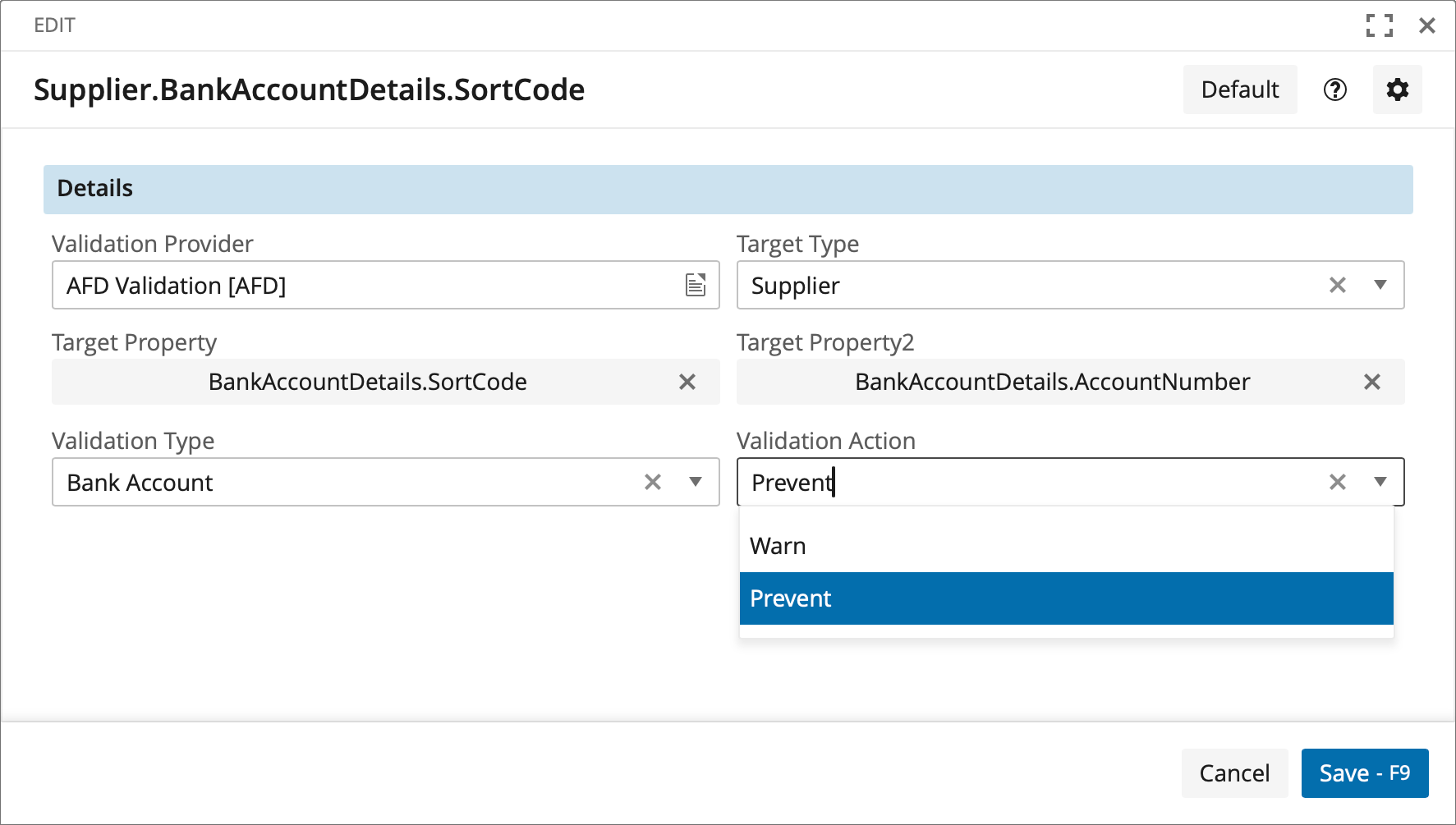
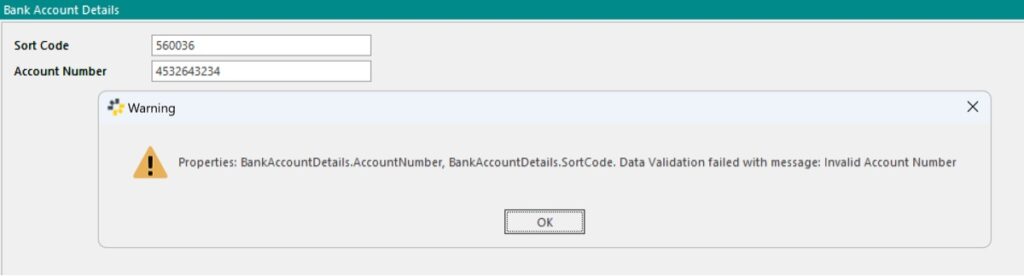
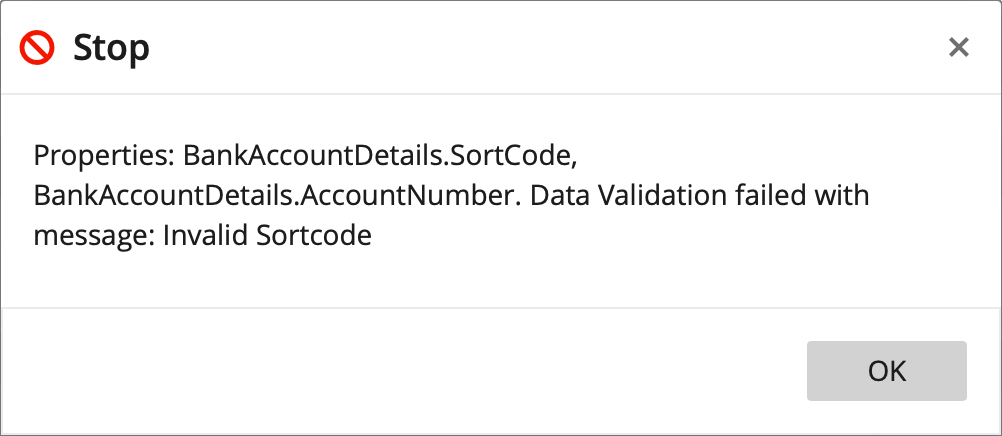
You could show a warning or stop the user when an invalid bank account is entered.
This is actually validating that the sort code and bank account combination is possible, not just that it’s in the right format.

We serve thousands of organisations and a network of hundreds of partners across multiple industry sectors, enabling them to have full confidence in their contact data.
We use cookies to enhance your browsing experience, and analyse our traffic. By clicking "Accept", you consent to our use of cookies.